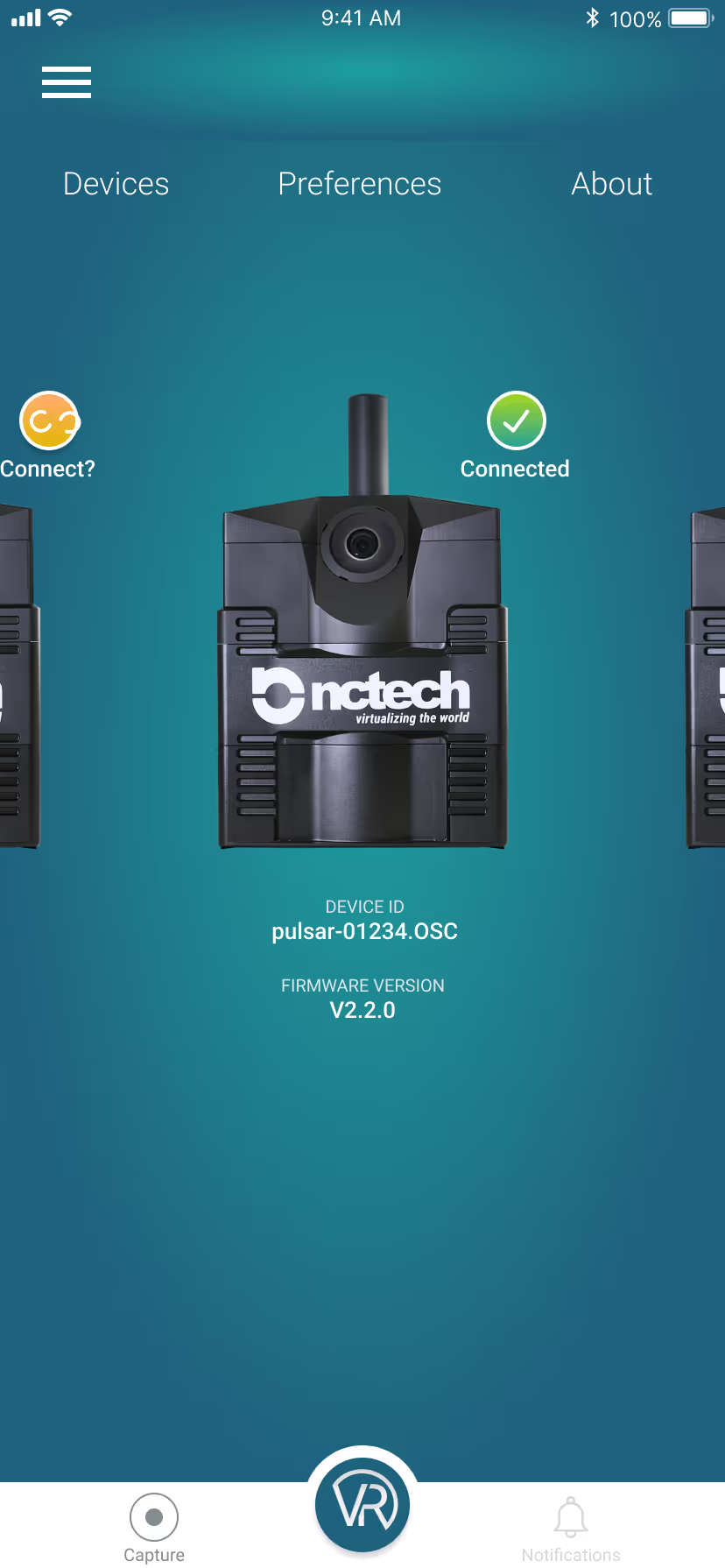
Main screen
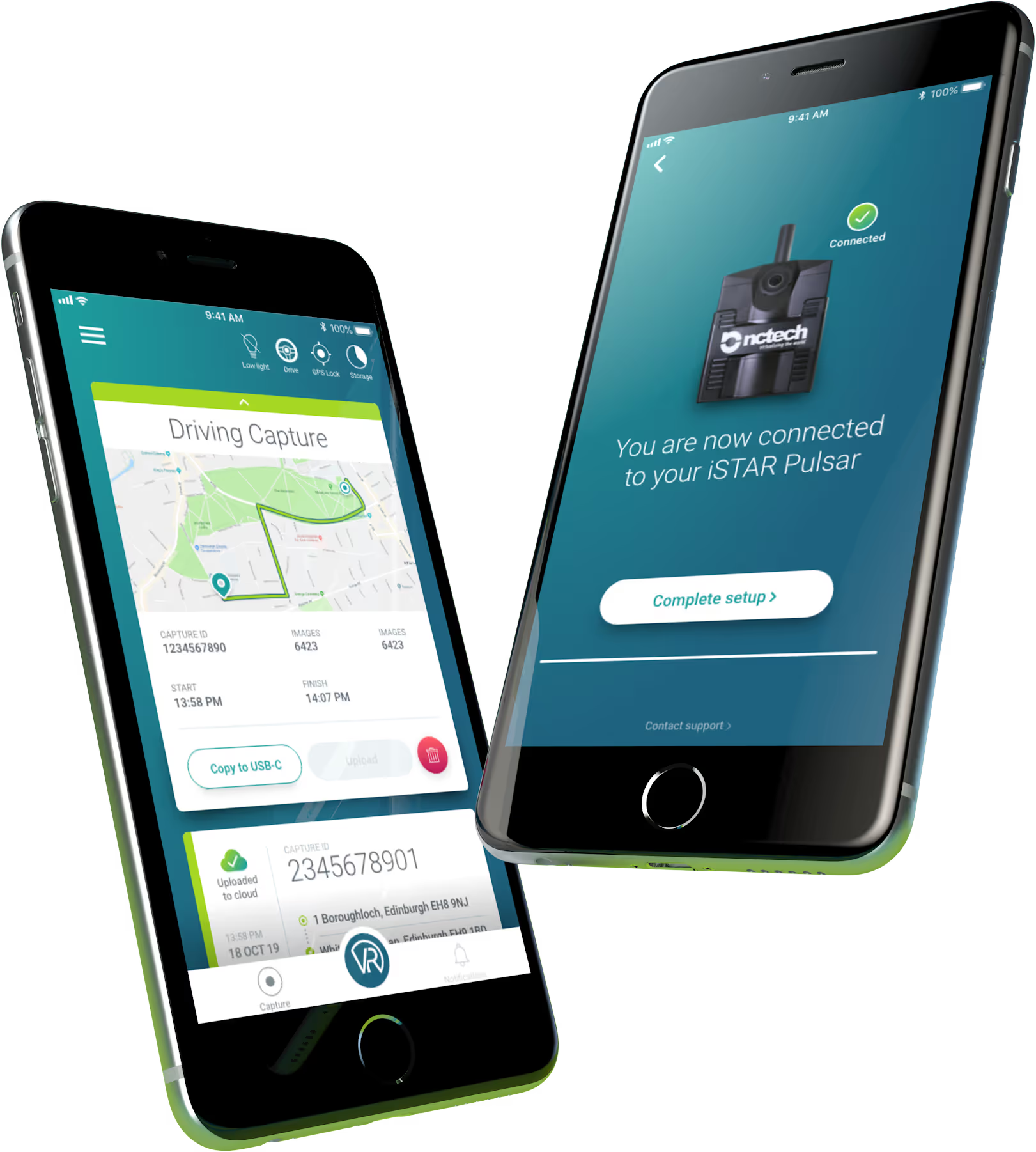
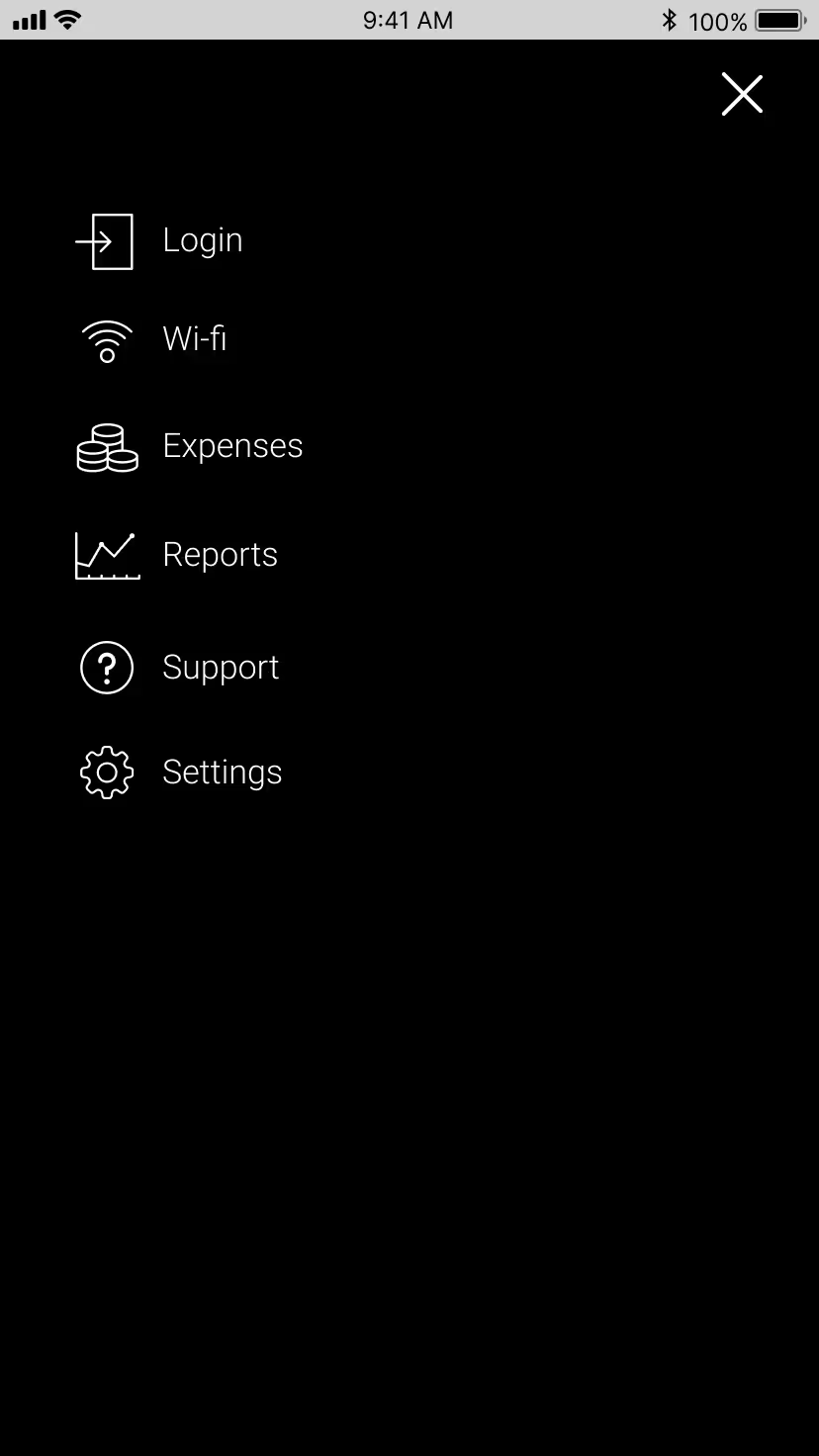
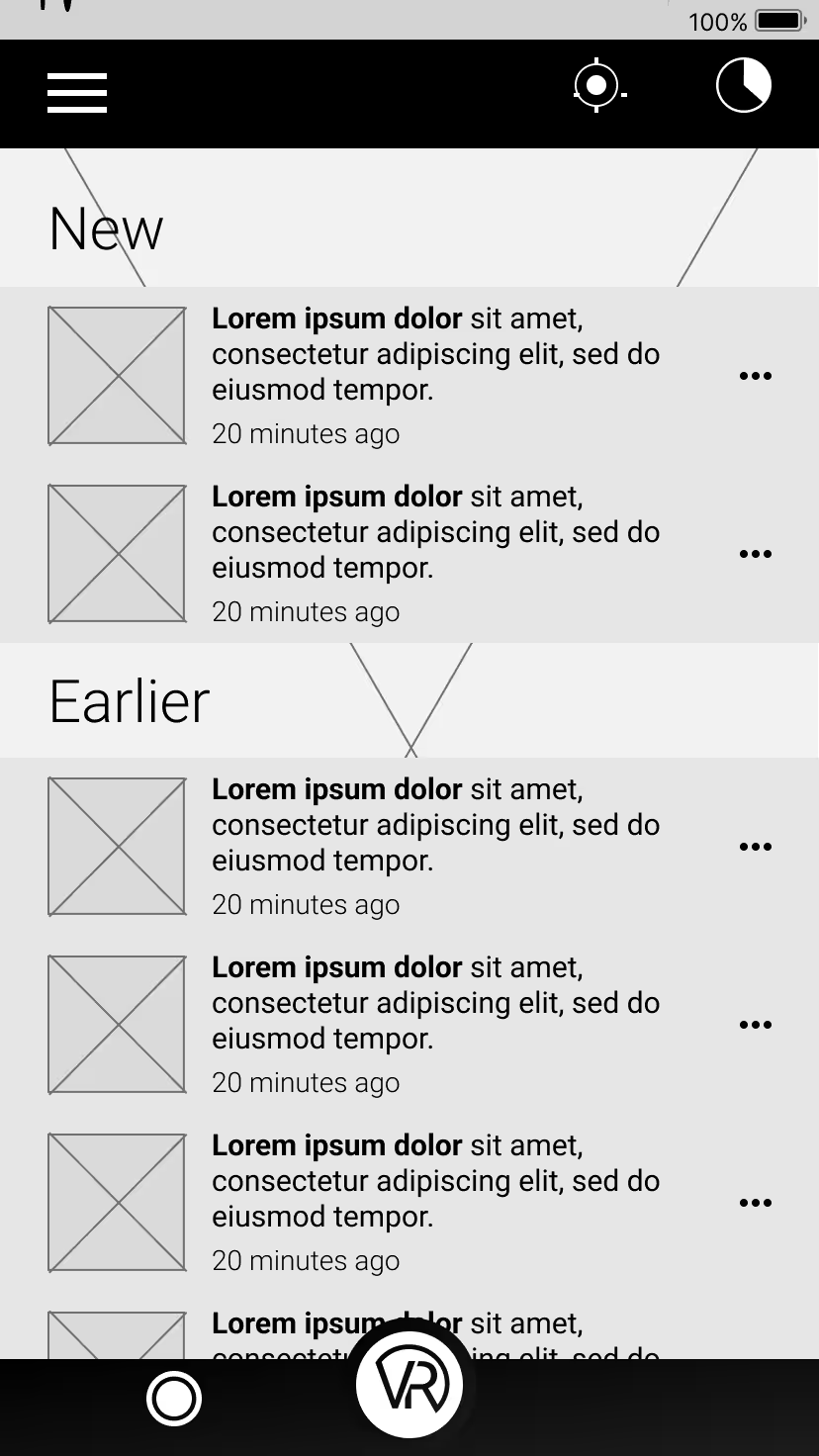
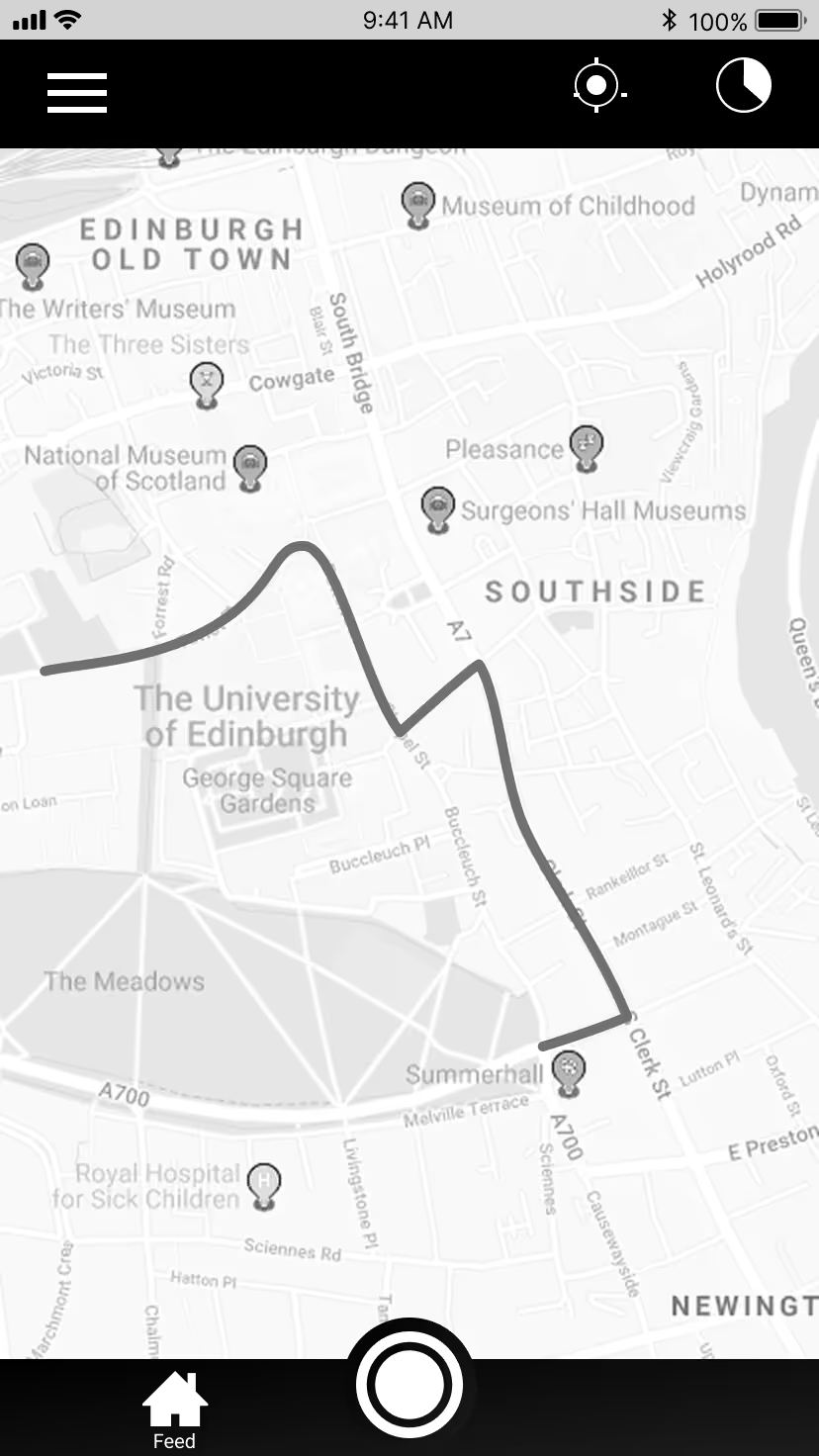
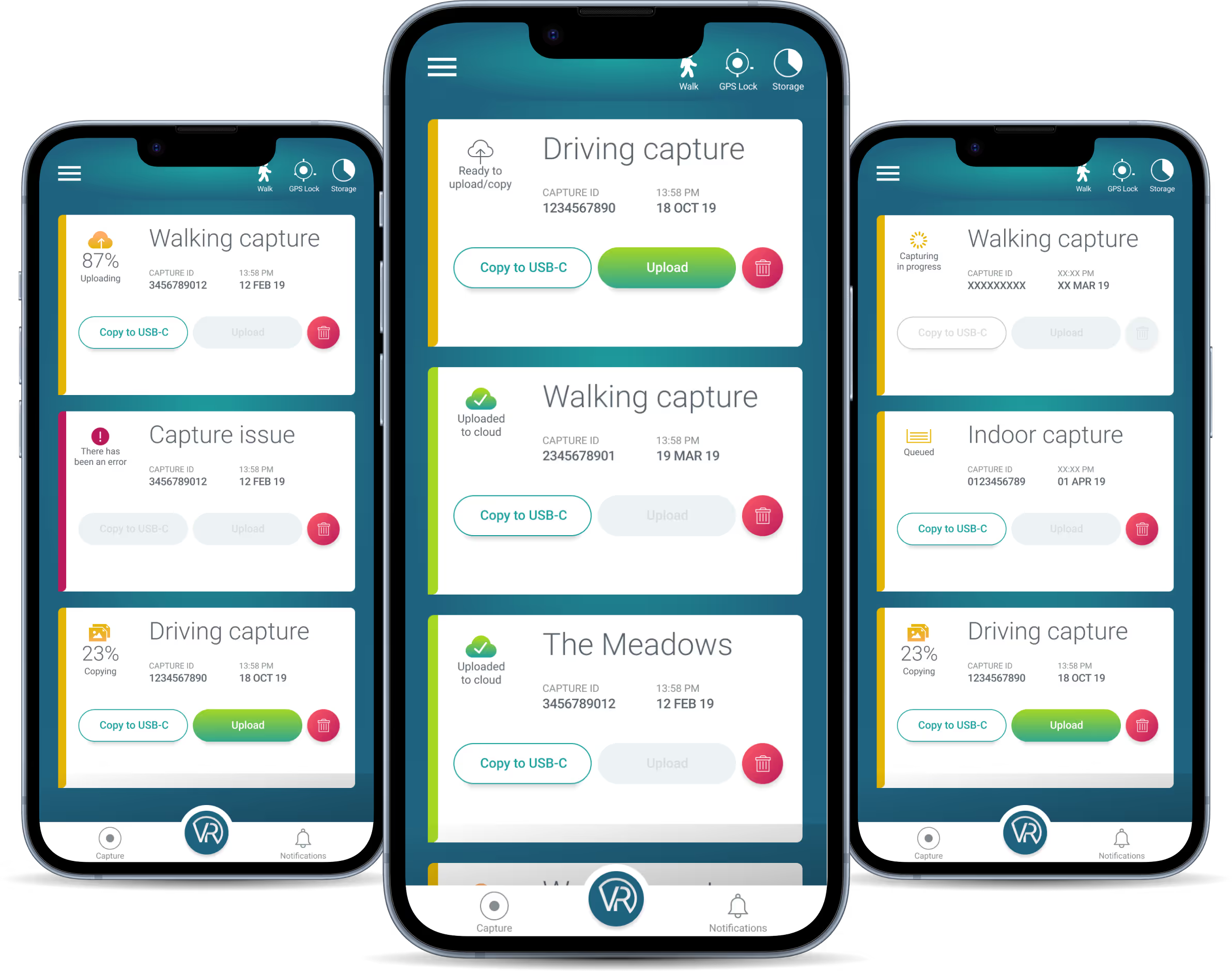
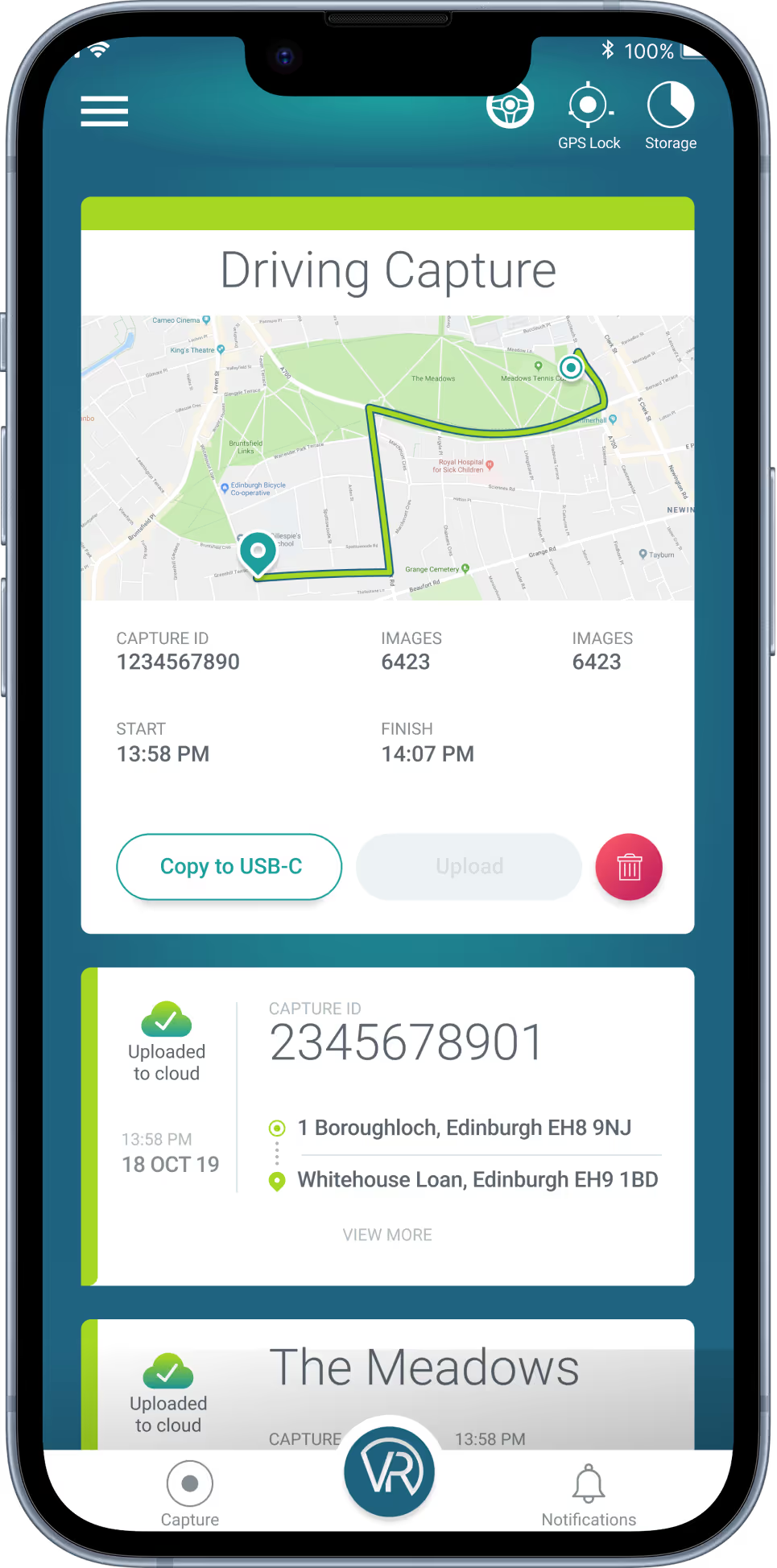
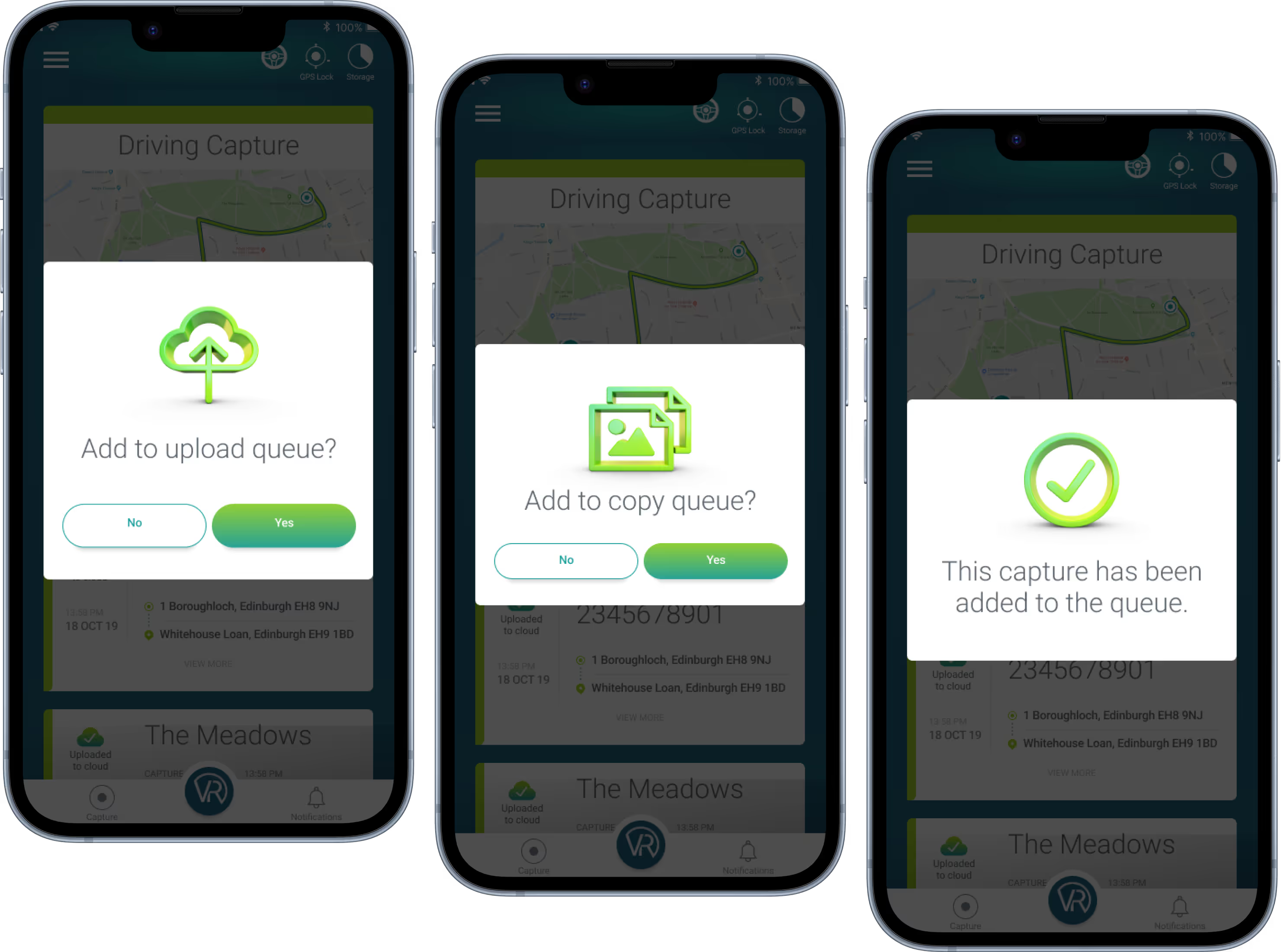
Immediately users will see all their captures in a single, easily-scrollable screen. The menu bar on this page helps users easily transfer between different functions.
The main screen highlights important data related to each capture: type of capture, capture ID, date and also functions enabling users to upload and copy to the cloud or a hard drive. With the 'View more' button, users can manage each capture individually.